Questions? Call Us: 336-485-6199

Loading...

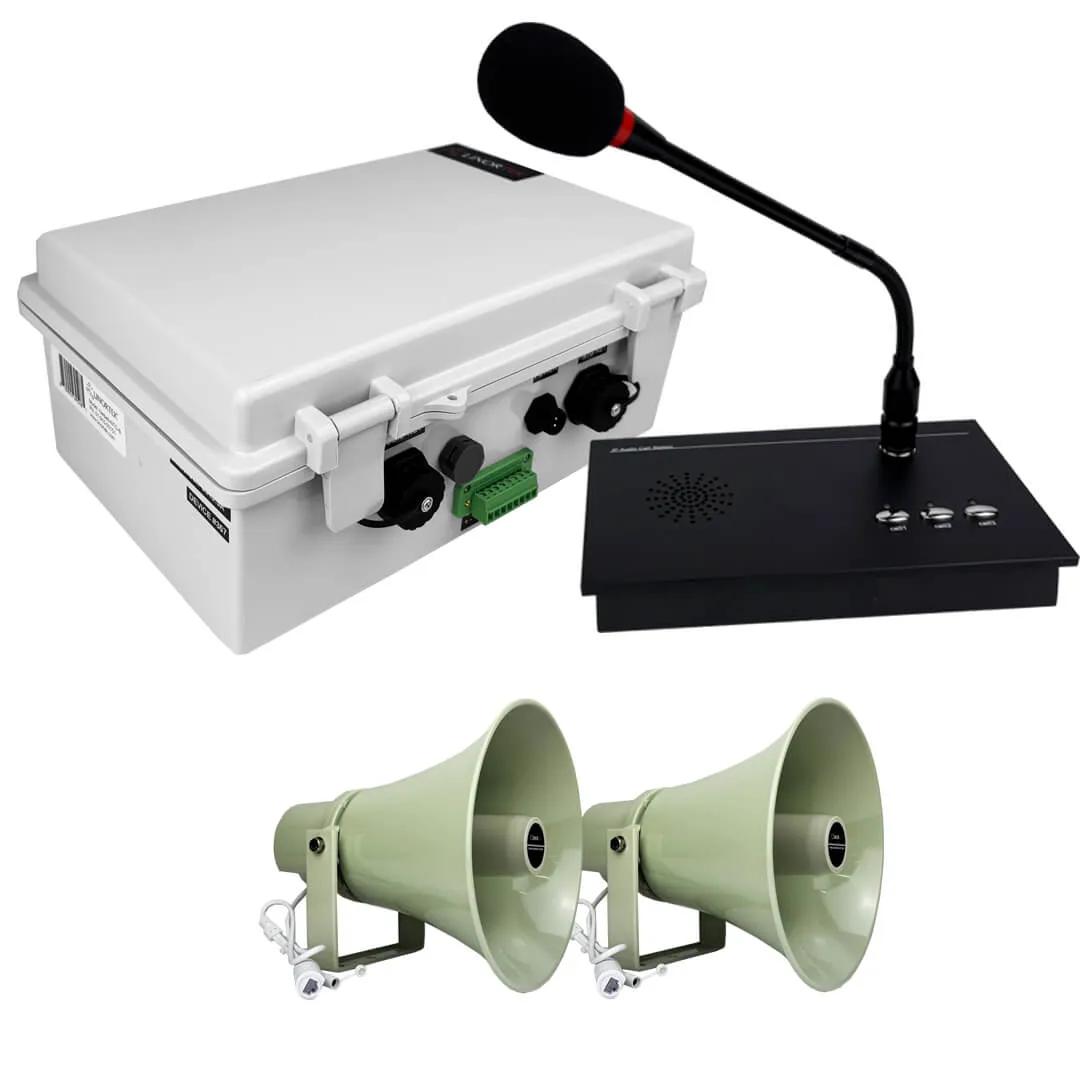
Netbell-KB-M2-C Network Extra Loud Break Buzzer Clock System

$1,588.00

An all-in-one extra loud break buzzer system with two external buzzer outputs and a synchronized 4-inch digital clock. One 110 dB buzzer covers up to 25,000 sq. ft., and the web-based controller manages up to 500 schedules from any browser — no software, no monthly fees.

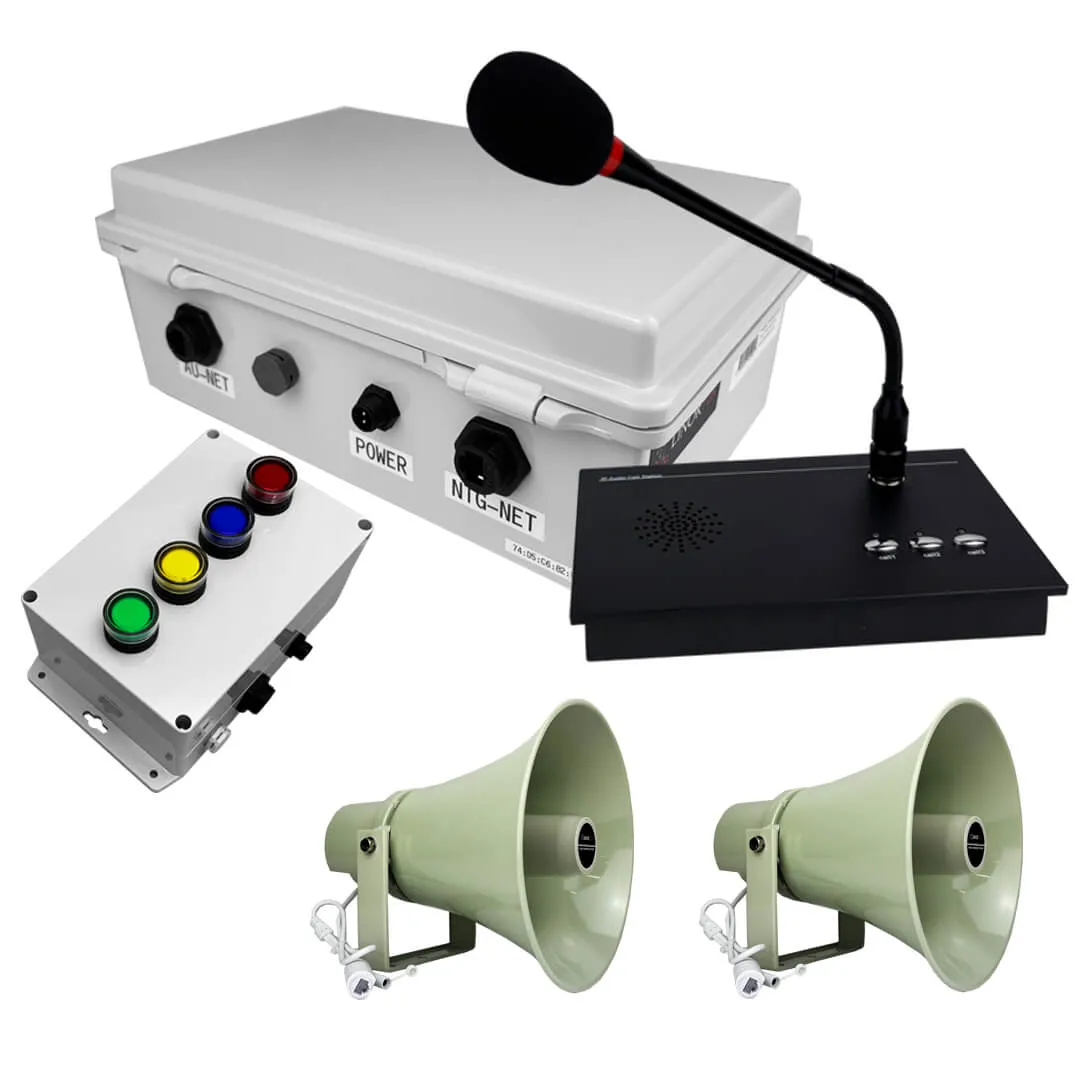
Need more buzzers or different options such as a push button for emergency? Build your custom system → Netbell-KB Custom Buzzer System Builder

Overview

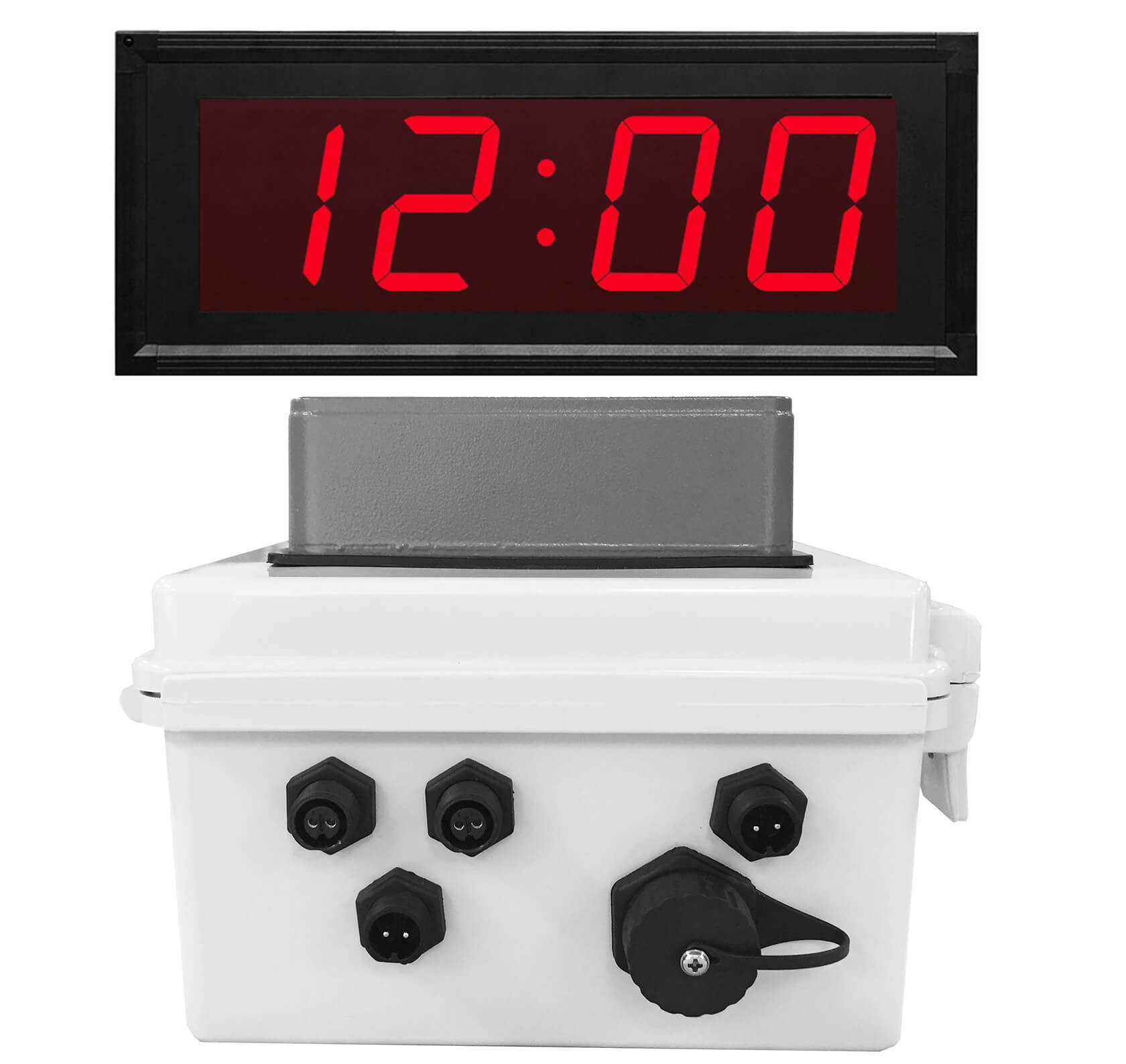
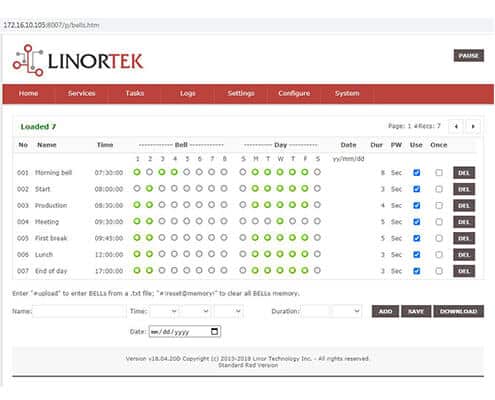
The Netbell-KB-M2-C pairs an extra loud break buzzer system with a matching 4-inch digital clock and adds two external buzzer outputs for larger facilities. A single volume-adjustable 110 dBA buzzer covers up to 25,000 sq. ft., and with the extra outputs you can add more buzzers to cover even more ground. The clock plugs into the controller and syncs automatically from the Netbell, with digits readable up to 250 feet, and everything ships fully wired in a NEMA-rated box. Built on a TCP/IP platform with a built-in web server, it lets you schedule break times and shift changes from any browser — up to 500 events — with no additional software and no monthly fees, and you can wire a push switch for manual emergency signaling. A cost-effective warehouse buzzer system to replace an aging bell timer.

How It Works

  • Wire your external buzzer to the power supply and connect it to the Netbell-KB-M2-C controller.
  • Power the unit and connect it to your network — it can go anywhere on your network, no direct PC connection needed.
  • Plug in the 4-inch digital clock — it syncs its time from the controller automatically, no setup.
  • Add buzzer schedules from a standard web browser (or the free BellScheduler desktop app) — up to 500 events.

What’s in the Box

  • One Netbell-KB-M2 SERVER
  • One 3-meter power cable
  • One 3-meter RJ45 network cable
  • One 24VAC power supply
  • One 4” digital clock
  • Wall mounting brackets and hardware

Netbell-KB

  • 10M/100M RJ45 Internet interface with connection and activity LEDs
  • Input Power: 24VAC (power transformer included)
  • 4" Inch 24VAC 50/60Hz/Zinc Die-cast housing Enclosure and Sealed with Grey Powder-coat Paint, Decibels: 100dBa @ 10', 110dBa @ 1m
  • Enclosure: ABS, IP67 /150mm x 150mm x 90mm (Mounting hardware supplied)
  • Accessories: 3 Meters Power Cable/3 Meters RJ45 Network Cable
  • On board temperature sensor and input voltage sensor
  • Working Temperature from 0 to +70 Celsius
  • Storage Temperature from -40 to +125 Celsius
  • Humidity from 10% to 80% non-condensing
  • Supported Protocols: HTTP/HTTPS/SMTP/SNTP

Digital Clock

  • Type: Digital
  • Display: 4-Digit, Red Super Bright LED
  • Character Hight: 4" HR/MIN.
  • Visibility: 250 Ft
  • Frame: Aluminum (Black Anodized Finished)
  • Dimensions: 17.5" x 6.3" x 1.5"in
  • Weight: 3 lbs.
  • Operating Temperature: 0 to +65 Celsius
  • Humidity: 0% To 95% Non-Condensing
  • Operating Mode: 12 or 24 Hour Selectable (set on Netbell software)
Download the Documentation

Netbell-KB-Packing-List-and-Wiring-Instructions.pdf
Netbell Quick Setting Instruction
Netbell-User-Manual.pdf
Use-Push-Switch-To-Ring-Bell-Manually-for-Emergency.pdf
Buzzer-volume-adjustment-Instruction.pdf

Software Configuration

Download the Discover app to find the IP address on your network

Download the Discover App for Windows from the link below (the file is a ZIP file – please extract after downloading):

Linortek Discover for Windows

Alternatively, you can download the Java-based Discover program if you believe you have the Java runtime installed on your PC, you can download the Java-based Discover program here (the file is a ZIP file – please extract after downloading):
Linortek-TCPIP-Discoverer.zip

Download the Netbell BellScheduler Desktop App and Instructions

If you own one Netbell device, it will be easy to add bell schedules from the webpage of your device. However, if you have multiple Netbell devices, you can use our free BellScheduler desktop app to add bell schedules from a single interface.

Netbell-BellScheduler-Desktop-App-Setting-Instruction.pdf Netbell-BellScheduler.zip

Video Tutorials

How to wire an external buzzer to the Netbell-KB
Finding the IP address using the Discover program
Netbell Software Initial Setup – Basic Settings
How to Use the Netbell BellScheduler Desktop App
How to Adjust Your Netbell Buzzer Volume
Reset to Factory Default

FAQs

General Questions
Network Questions
Netbell Configuration Questions

People Also Love

Related Products

The Netbell-4-4Buz includes everything needed for factories, industrial facilities, warehouses to build a fully automated web-based timed alert system for...
$2,332.00
Replace your outdated bell timer system with the Netbell web-based solution. This cost-effective Netbell-4-4Bel includes everything — controller, bells, and...
$1,892.00
VidiMax turns any HDMI display in your facility into a live information screen. Push emergency alerts, NWS weather warnings, equipment...
$3,699.00
VidiMax turns any HDMI display in your facility into a live information screen. Push emergency alerts, NWS weather warnings, equipment...
Price range: $299.00 through $3,699.00