Questions? Call Us: 336-485-6199
Questions? Call Us: 336-485-6199
4.9 out of 5 · 17 Google reviews
Netbell IP-Based Public Address System
Live Paging. Scheduled Bells. Emergency Alerts.
Plug PoE-IP speakers into your existing network – no amplifiers or speaker wiring. Start with the coverage you need and expand as you grow. Add VidiMax to show the same alerts on your TVs.
Questions? Call 336-485-6199


Trusted by industry leaders


















Overview

Works with your phones
Page from a compatible VoIP phone system using SIP speakers or a gateway for IP speakers. Below are only a few VoIP phone systems that can work with our paging system. Don’t see your phone system listed? Contact us for a free system design.
Upgrading from an old analog or 70V system? We bridge it, so you keep your existing speakers.
More than paging
Add capabilities as you need them, all managed from the same web controller.
Automate break, shift, and class bells with up to 500 scheduled events, 40+ built-in tones, and 10 hours of custom messages.
Emergency alerts, drills, and fire-alarm tie-in to reach everyone the moment it matters. Add VidiMax and the same alert shows on every screen too.
Stream music or audio to the floor between announcements from any line-in source.
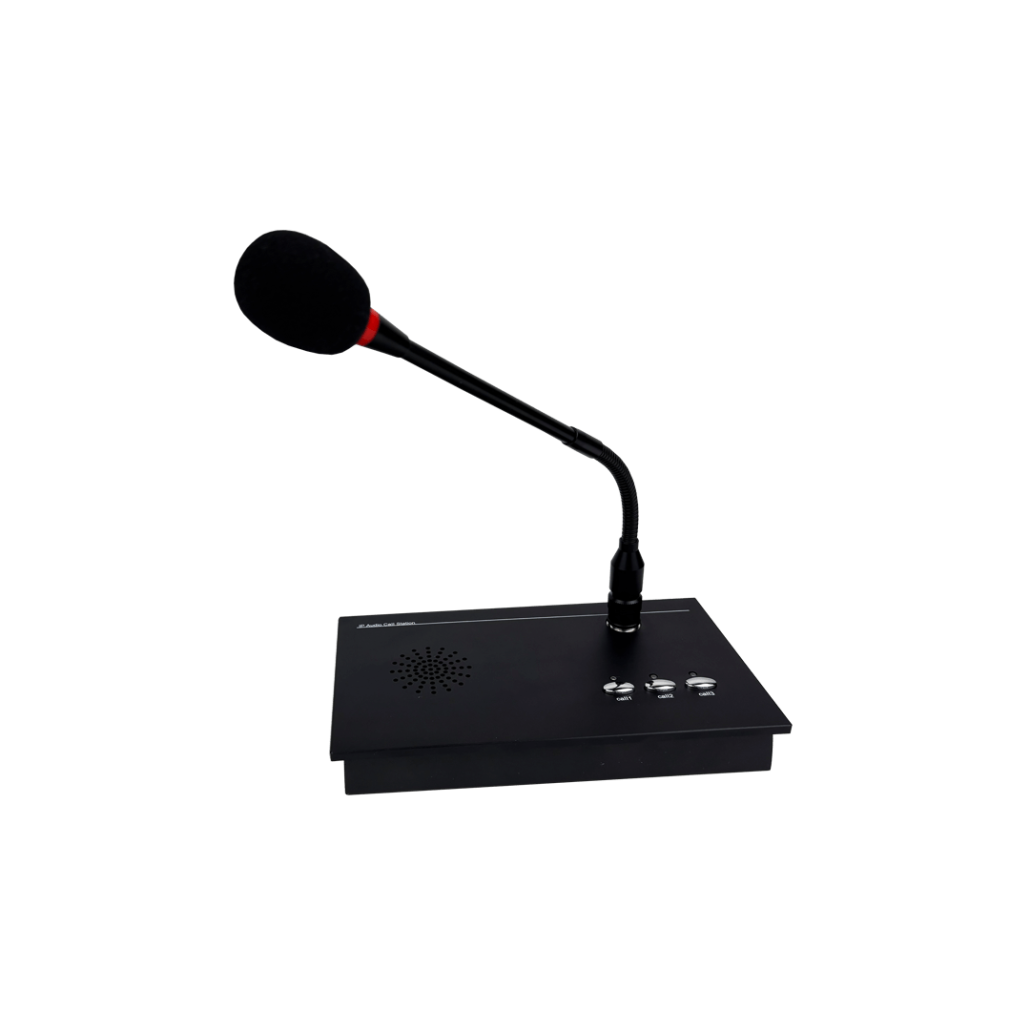
Add door stations and call boxes for live talk-back wherever you need it.
Target one zone, a group, or the whole facility, with separate announcements playing in different areas at once.
Emergency pages automatically override music and live announcements, so critical alerts always cut through.
How it works
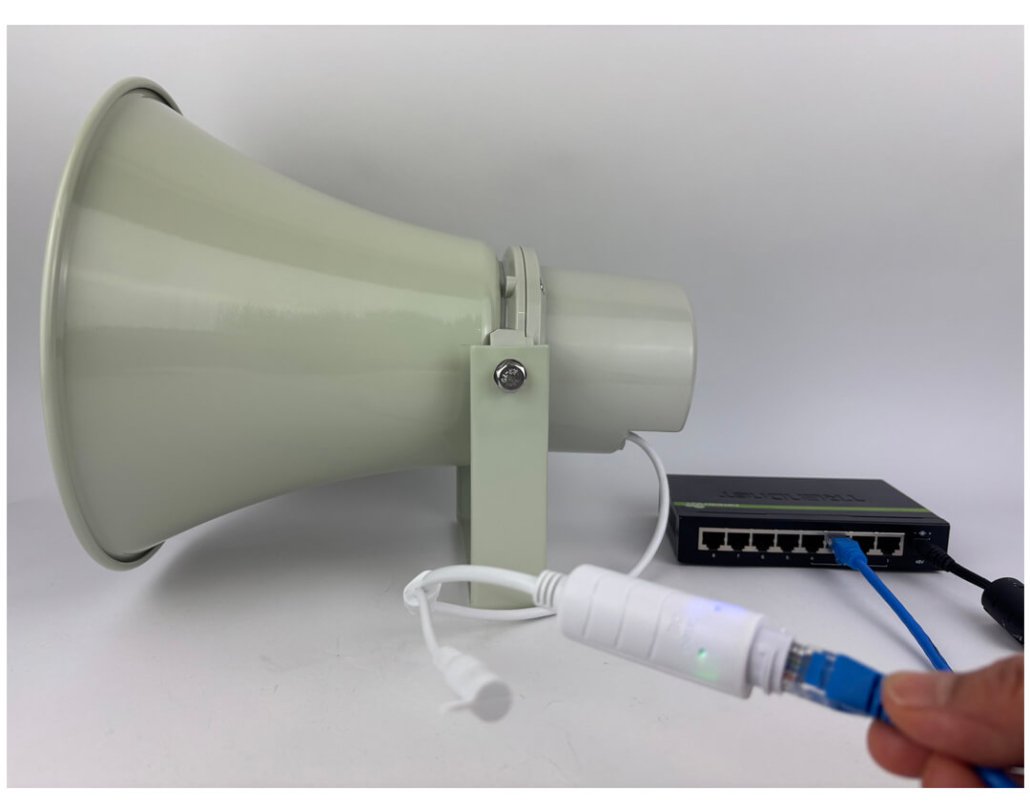
Connect each speaker to a PoE switch with one network cable for power and audio.

Group speakers into zones and manage everything from the free configuration app or web interface.

Make live announcements, automate break and shift tones, and trigger emergency alerts instantly.
Our products
Start with speakers and add the modules your facility needs. Explore our most popular paging components below, or visit our store for more options. Not sure what you need? Contact us for a free system design.

Flush drop-tile mount for offices, break rooms, and training rooms.
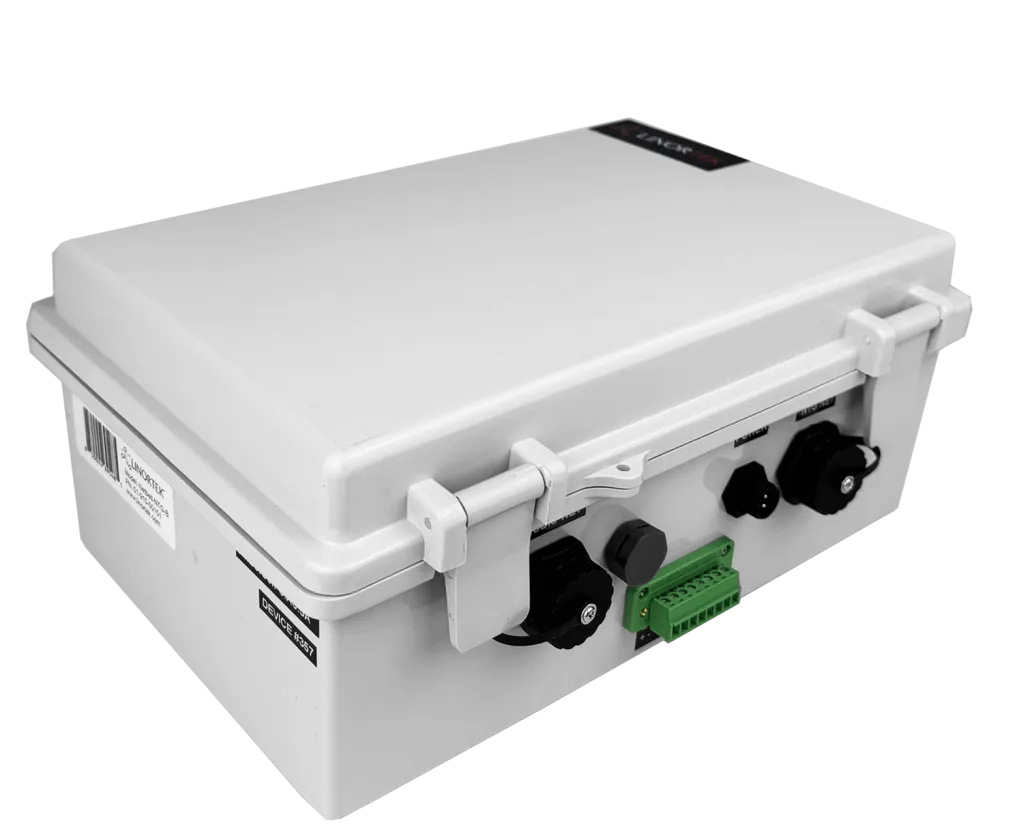
Up to 500 scheduled events, emergency messages, and fire alarm integration.

Bridges your VoIP phone system and external SIP audio sources to the IP paging system.
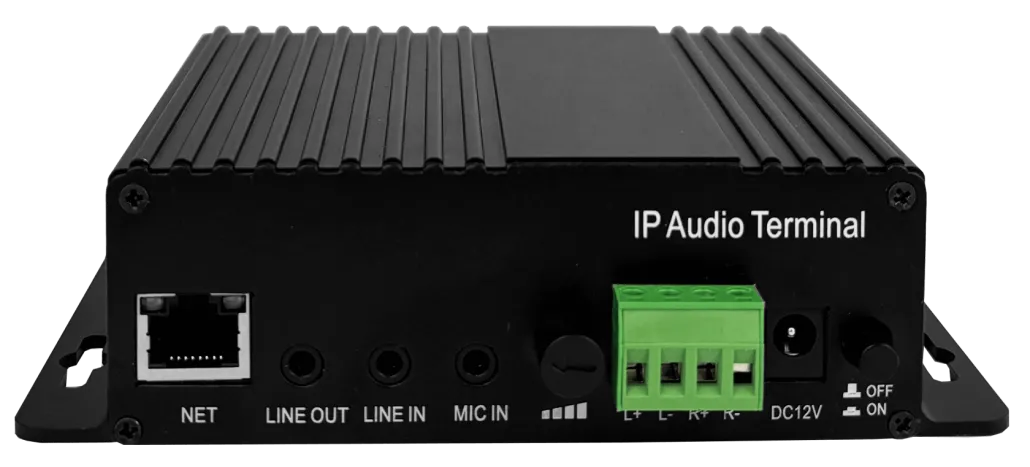
Connect an existing analog or 70V PA system to your IP audio network.
For your IT & facilities team
Everything your network and maintenance team needs to scope the install.
IP speakers (NACT): download the free Network Audio Configuration Tool, discover speakers on the network, assign them to groups and set volumes, then link your scheduling and paging modules. Start broadcasting.
SIP speakers (web interface): configure the Netbell-NTG-B for bell scheduling and emergency messages, connect the Netbell-AU-711-SIP to your VoIP system, assign SIP speakers to groups, and page from your phones.
Built for your facility
From a single noisy floor to a multi-building campus, we have the right IP speakers for every space.

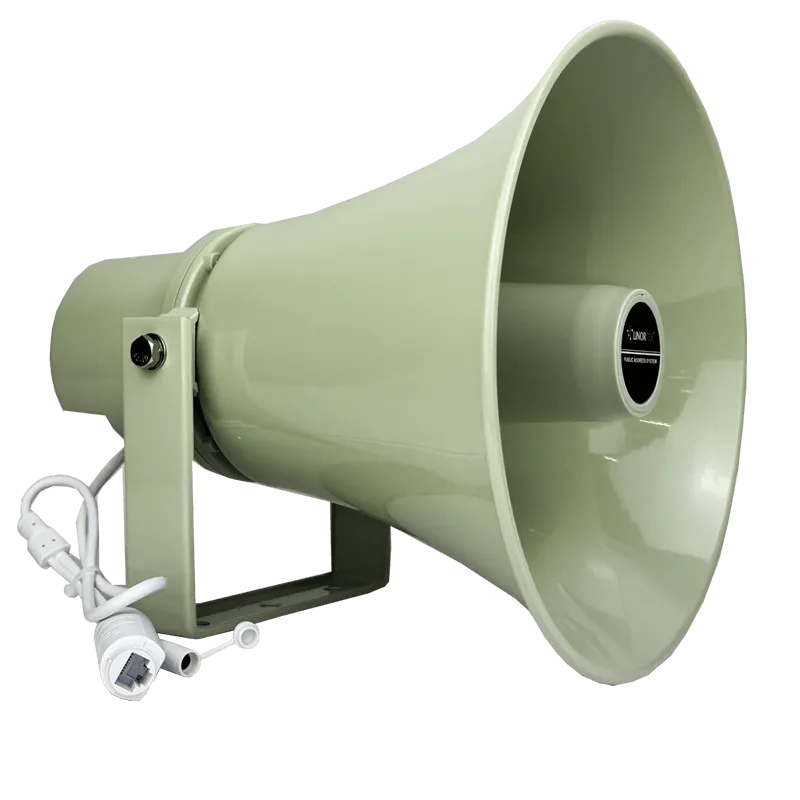
Loud horn speakers cut through 85+ dB of machine noise across high-ceiling floors.

Ceiling speakers with IP call box for classrooms two-way communication with the main office, wall speakers for hallways, with automated bell schedules and lockdown alerts.

Discreet ceiling speakers and clear announcements for offices, clinics, and care facilities, with emergency alerting.

Indoor and outdoor coverage across separate buildings and secure sites, all on one network.
Why Linortek
You are buying direct from the source, not a reseller, with real people who know the product.
Configure and manage your Linortek system through a standard web browser. Most standard applications require no programming.
Say goodbye to ongoing costs. Our systems operate independently with no third-party servers.
Designed, developed, and supported in the USA, ensuring top-notch quality and security.
A responsive, US-based support team ready to help from setup through troubleshooting.
Support a wide range of industries with solutions for remote control and automation.
Retrofit and automate your existing operations for a smarter, more connected facility.
Linortek capabilities
Since 2012 we have designed and built IoT controllers in North Carolina, trusted by Fortune 500s and small businesses in 35+ countries.
50+
Years combined experience
20,000+
Happy customers

Get your custom quote
Tell us your square footage, noise levels, and how supervisors reach people today. We’ll recommend speaker placement, zones, dock intercoms, break schedules, and any visual alerts that fit your site.
Not sure which components you need? Get a free system design from our team.
Close. Netbell speakers don’t need speaker wire run back to an amplifier the way a 70V system does – each one plugs into a single network cable that carries both power and audio (PoE). That’s why people call a network PA system like this a wireless paging or wireless public address system. A WiFi bridge can put a speaker on WiFi, but we don’t recommend it for paging.
It depends on the space. Horn speakers suit manufacturing, warehouses, and outdoor areas that need loud, directional sound. Wall speakers are best for hallways and corridors, or where ceiling height makes overhead mounting impractical. Ceiling speakers drop into standard tile ceilings for offices and classrooms. Not sure? Build My System sizes and picks them for you.
Choose IP speakers for simple, budget-friendly standalone PA systems with the lowest equipment cost (you can add a Netbell-AU-711-SIP gateway later if you ever need VoIP). Choose SIP speakers when flexibility and universal compatibility matter, since they register directly to any SIP system with no vendor lock-in. The System Builder makes this choice for you based on your setup.
Yes. Add IP speakers to new areas at any time over the network. A Netbell-BT-105 can also bring modern IP speakers into a facility that still uses analog speakers via a line-output connection, so you keep what works.
Yes. The Netbell IP Paging Intercom Bell System is used by many schools as a budget-friendly option for bells, announcements, and emergency alerts. See the school PA system.
Yes, with VidiMax. A trigger such as a push button or fire-alarm input can sound the alert over Netbell speakers and put the same message on every TV and monitor at once. In a loud plant that matters – an alert people only hear isn’t enough. See the VidiMax operational visibility system.