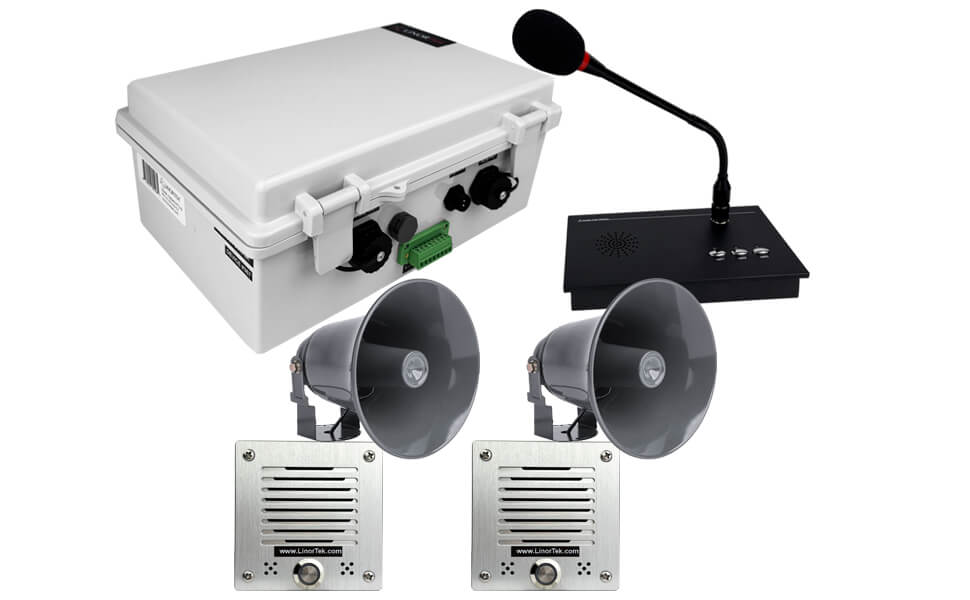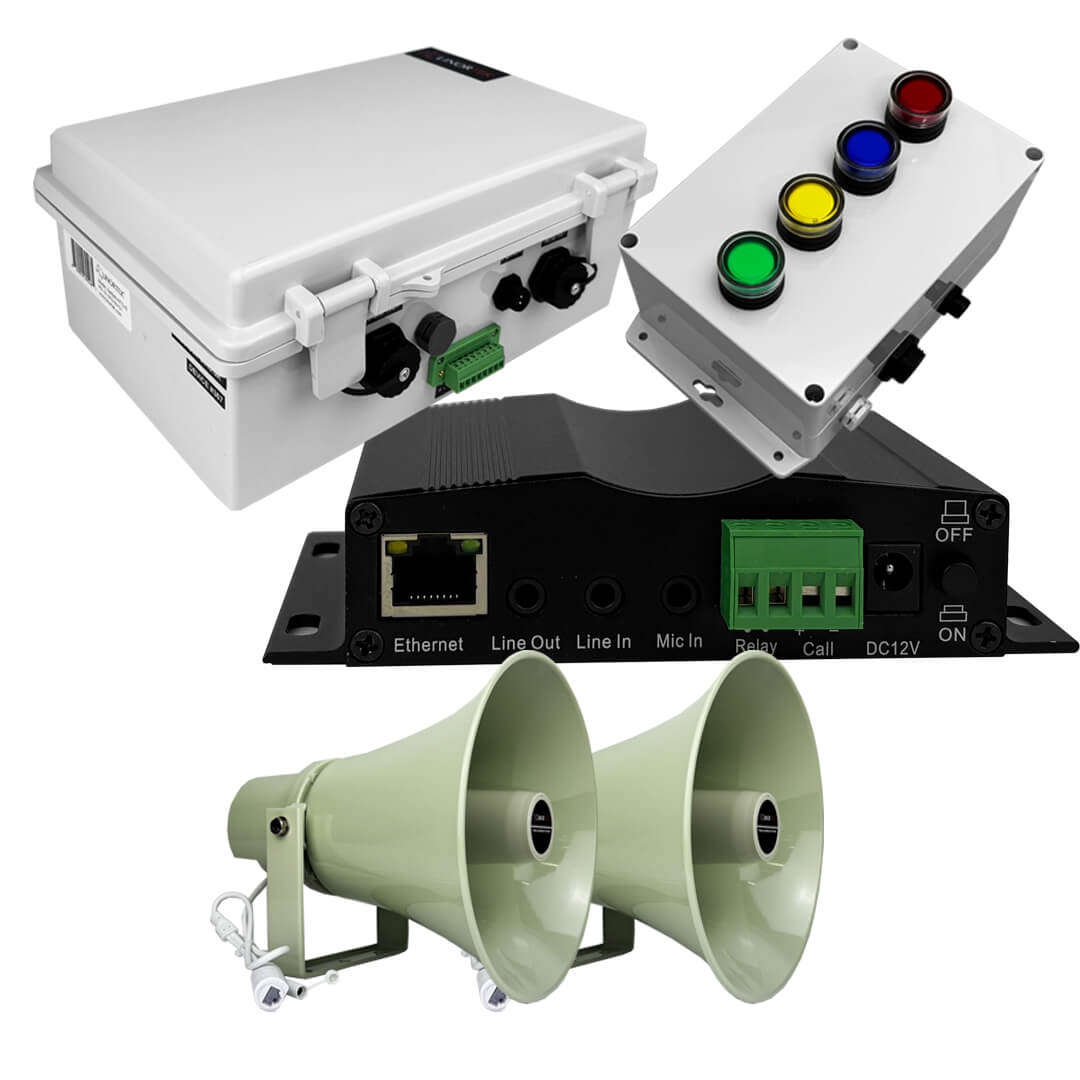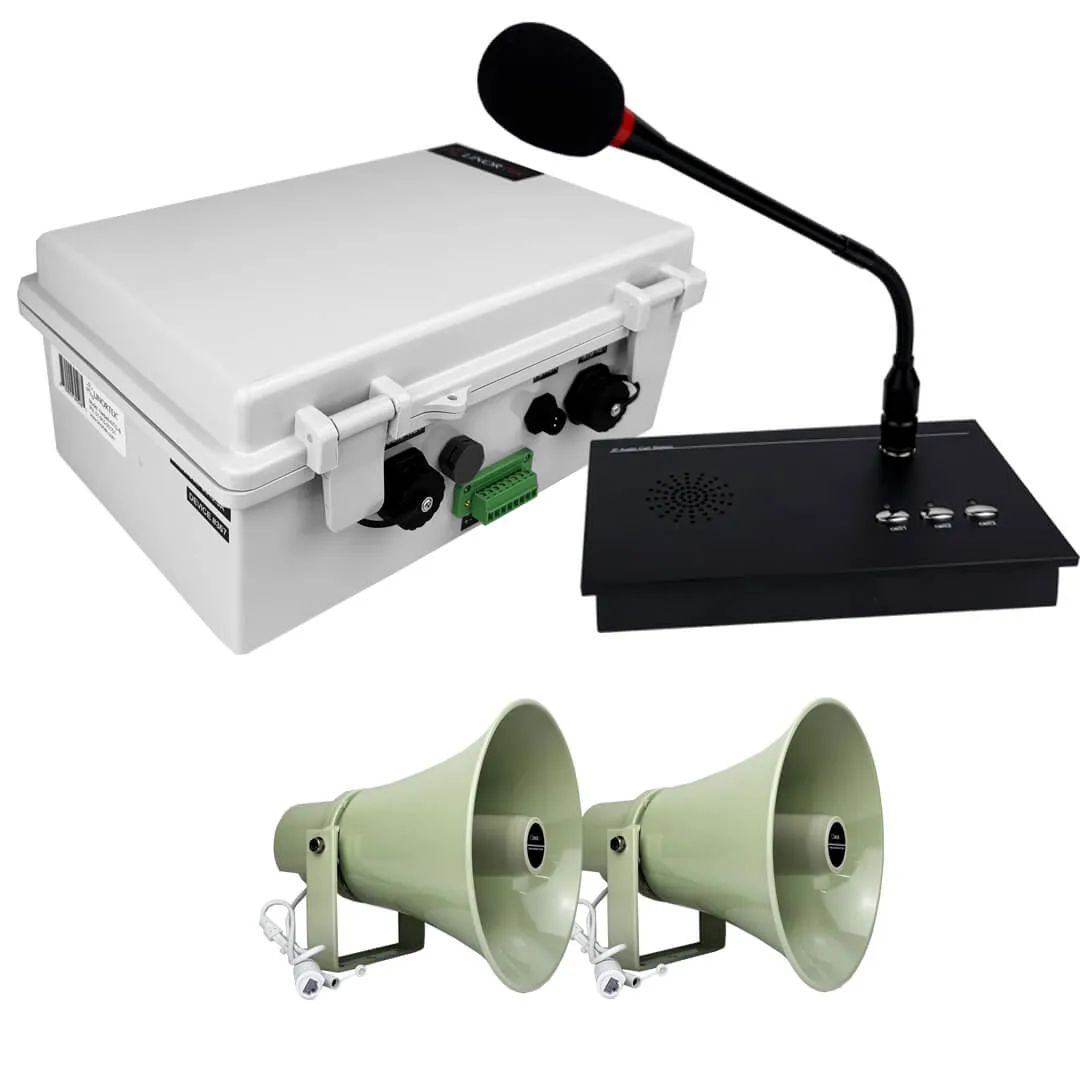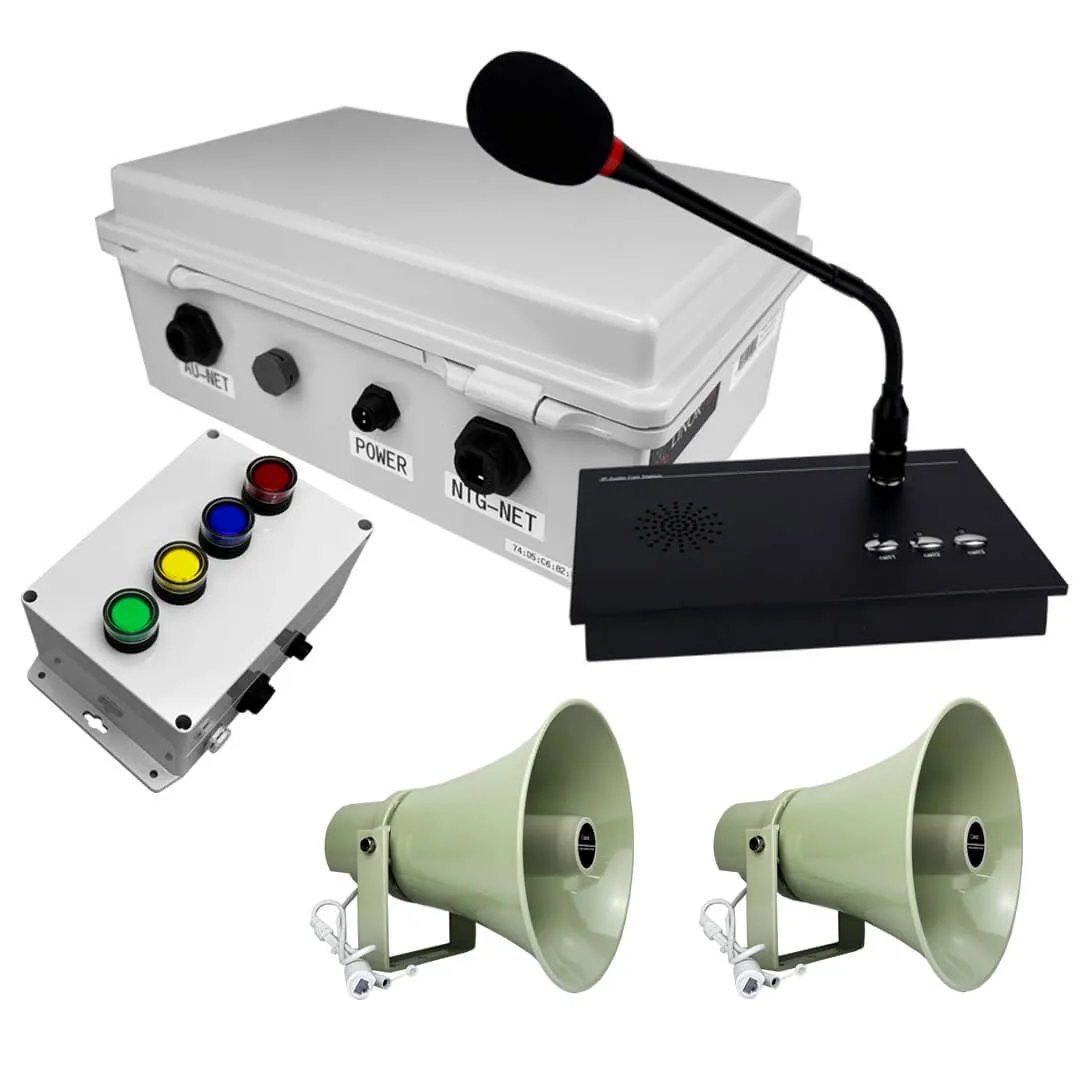






The Netbell IP paging system provides a powerful, easy-to-install solution for any size facility. Choose the IP speakers that can cover your entire facility and enjoy crystal-clear broadcasts for announcements, alerts, and scheduled messages. Every system is built for simple setup, minimal maintenance, and seamless integration with your existing infrastructure. Designed for schools, factories, warehouses and distribution center, and government agencies, it provides a centralized way to broadcast daily communications to staff and visitors, as well as serves as an OSHA-compliant employee alarm system.
- Bell Scheduling: Web-based interface, 500 programmable events
- Emergency Alerts: Broadcast lockdown, evacuation, or weather warnings instantly
- Campus-Wide Paging: Reach classrooms, hallways, and outdoor areas with live or pre-recorded messages
- Two-Way Intercom: Enable secure communication between classrooms and administration
- Coverage Area: Start with 2 speakers or deploy 100+. Add more speakers as you expand – no rewiring needed – just plug in additional POE speakers.
- IP Call Station: We have two options for the IP call station: Netbell-MIC-608G: 1 line output, 3 buttons (up to 3 zones/endpoints), supports broadcast, intercom, unicast, full broadcast. Netbell-MIC-813: 1 line output, 22 buttons, supports broadcast, intercom, unicast, full broadcast, etc., it can be used to page up to 255 zones/endpoints.
- Pre-Recorded Message Storage: Up to 10 hours of custom audio
- Power Requirements: POE/PoE+ for speakers, PoE/12VDC for controller
- Installation: DIY-friendly
Download the Product Brochure
Netbell IP Paging System Brochure
Installation
The physical installation of a Netbell IP speaker is straightforward enough for your maintenance team to complete — as long as your IT department can set up the PoE network for you. For more information about the IP speaker system installation, please check this post: Netbell IP Paging System Installation Guide/
Build Your Custom Paging System
Every facility has unique communication needs. Whether you require basic paging functionality or an advanced system that integrates with your PLCs to trigger custom audio alerts, we offer the flexibility to create your ideal solution.
Design your perfect system in two simple steps:
- Choose your IP speakers based on coverage area and environment
- Select compatible communication modules to complete your setup
Select Speakers (Choose based on installation location)
- IP Horn Speaker – Horns are typically used in manufacturing, warehouse, and outdoor environments, or open environments such as transportation centers.
- IP Wall Speaker– Instead of radiating sound downwards as with a ceiling speaker, wall speakers send soundwaves horizontally. Wall speakers are often used when ceiling height is prohibitive or there is no access to ceiling panels. They do a good job in environments where forward coverage and spacing are important.
- IP Ceiling Speaker – Ceiling speakers are used with drop-tile ceiling panels and are appropriate for heights between 8 and 20 feet. A rule of thumb for placement is twice the ceiling height. So if your ceiling height is 8 feet, for example, speakers should be placed 16 feet apart.
Select Live Audio & Communication Modules
Complete your IP paging system with these essential components (select at least one audio source):
- Netbell-MIC-608G IP Microphone: For front offices & reception areas, enables facility-wide paging to up to 3 zones
- Netbell-MIC-813 IP Microphone: For front offices & reception areas, enables facility-wide paging to up to 255 zones/endpoints
- Netbell-CB-6206 IP Call Box: Enable 2-way communication for your IP speakers, or install it at anywhere in your facility to make announcements to all speakers
- Netbell-IN-608 IP Intercom Station: For two-way communication at classrooms, entrances, gates & access points
Select Scheduling & Emergency Modules
The same paging system can be used for break bell scheduling, and emergency notification with custom sounds or pre-recorded messages. The sounds can be activated by schedules, digital inputs or push button switches manually.
- Netbell-NTG-B – Add automatic break time alarms, routine reminders, and emergency notifications (optional but recommended)
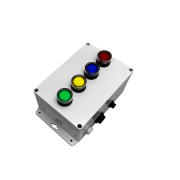
- Local Emergency Push Button Set – Connect to the digital inputs on the Netbell-NTG-B controller to manually activate pre-recorded emergency messages. You can only use one per Netbell-NTG-B controller as this button set needs to be hard-wired to the Netbell-NTG-B digital inputs.
- Network Push Button Set – Connect this push button set at any location of your facility as long as it’s on the same network with the Netbell-NTG-B, to remotely activate pre-recorded emergency messages
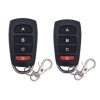
- 4-Button Key Fob for Emergency and Pre-recorded Message Activation: This wireless key fob is a convenient way to instantly activate any of 4 pre-recorded messages — emergency alerts, safety announcements, shift changes, or custom messages — from anywhere in your facility.
- Netbell-AU-711 SIP Audio Broadcast Terminal – Integrate your VOIP phone system with the IP speakers (one per zone)
External Audio Source Integration
Netbell-AU-711 IP Audio Broadcast Terminal – Integration of various audio inputs including MP3 players, Alexa, or radio for background music. (one per zone)
Legacy System Upgrade Module
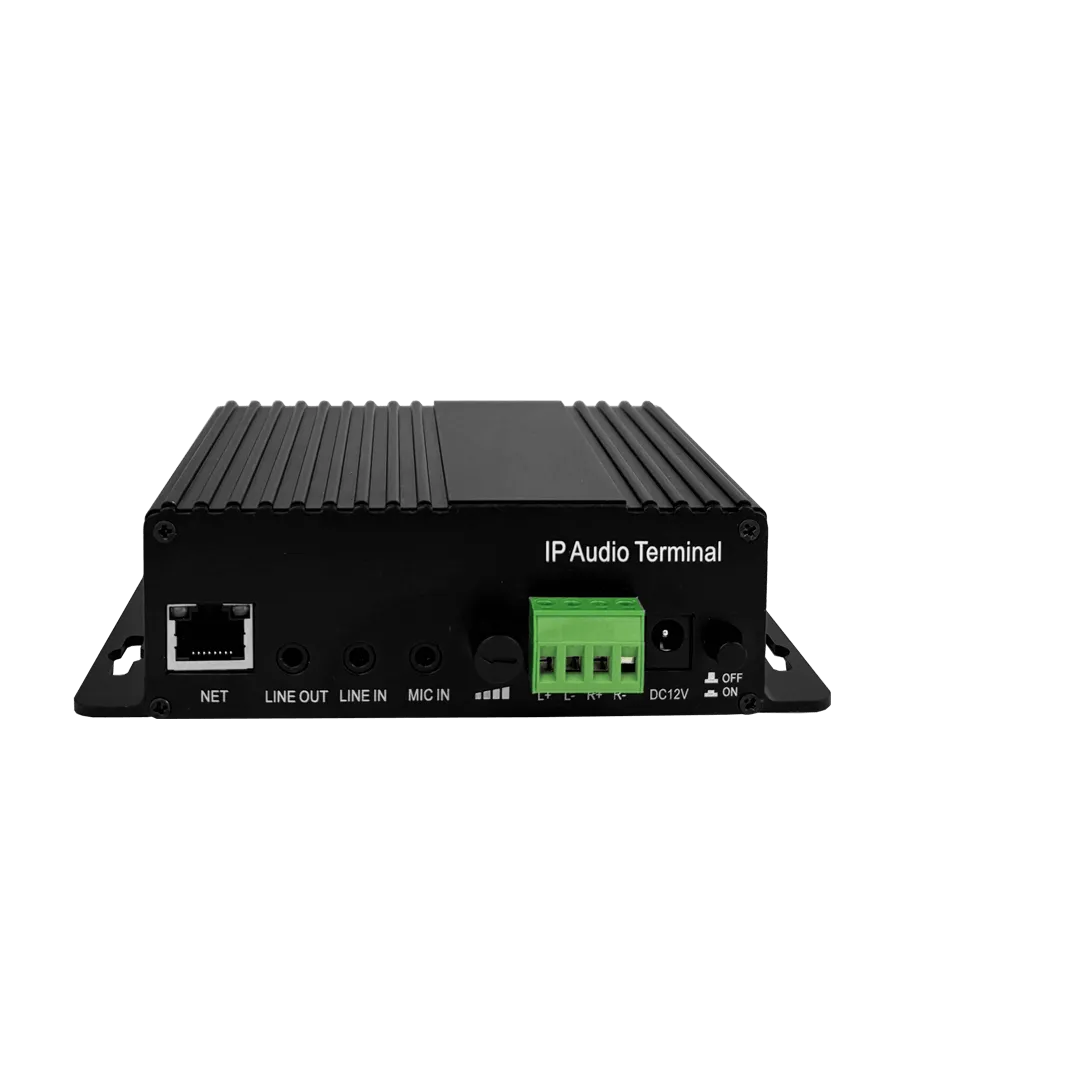
Already have an analog public address system? Upgrade existing public address systems to modern IP-based paging with the Netbell-BT-105 IP Audio Terminal without replacing your entire infrastructure, and add more functions/IP speakers as your business grows.