Questions? Call Us: 336-485-6199
Questions? Call Us: 336-485-6199
4.9 out of 5 · 17 Google reviews
Connected Port Solutions
Turn the Screens You Already Have Into Live Terminal Boards
Put crane and yard equipment runtime, weather and lightning alerts, gate and vessel information, and site-wide paging messages on the screens around your terminal, so crews and the control room see what’s happening as it happens.
Questions? Call 336-485-6199



Trusted by industry leaders
















Overview
Connect your data. Inform your team. Improve your operations.
Port equipment monitoring is only useful if the right people see it. Maintenance needs crane hours, the gate needs vessel and yard information, and when weather turns, everyone outside needs to know at once.
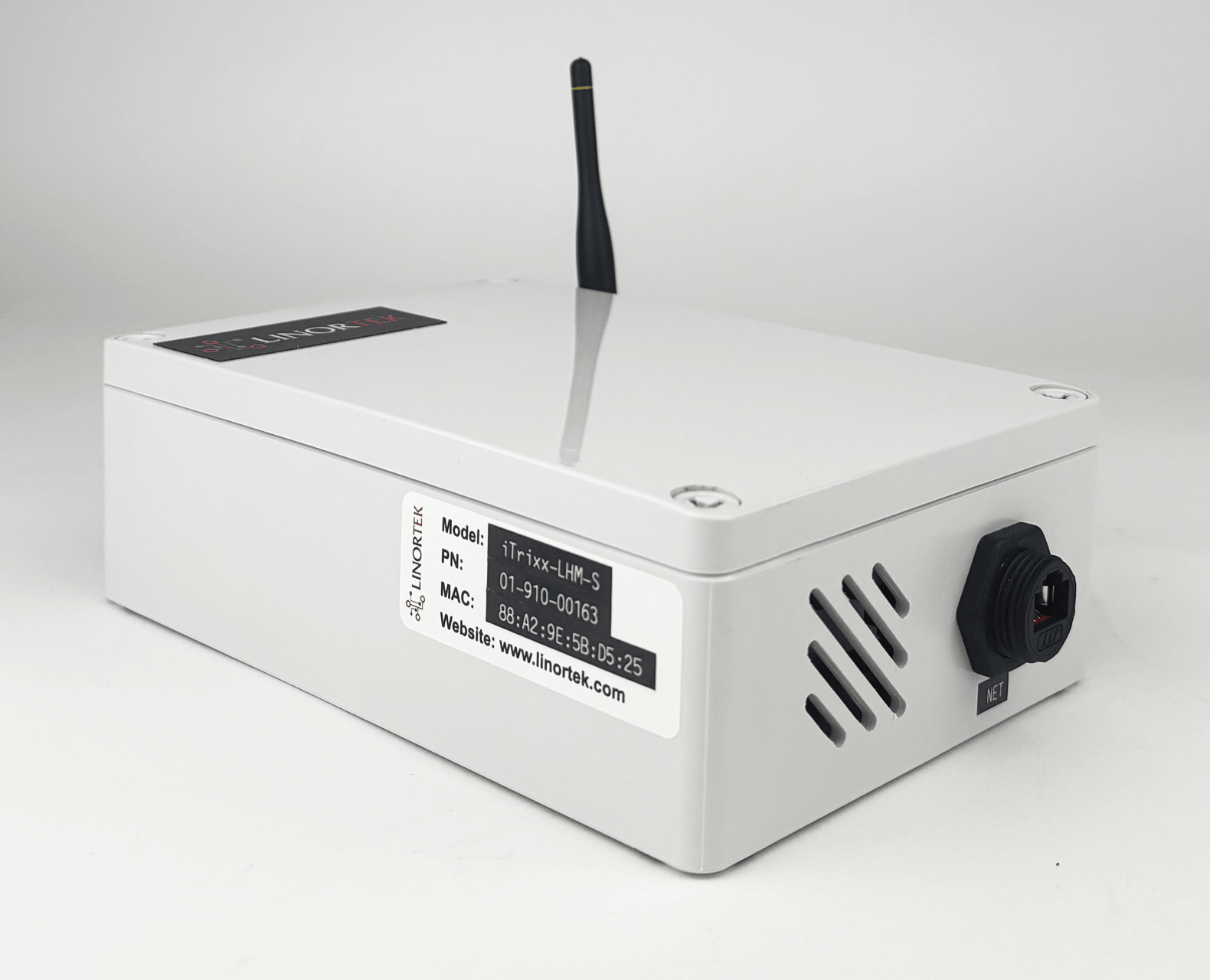
VidiMax is the visual layer of Linortek’s port IoT solutions. eIO-RTU controllers on networked cranes and iTrixx long-range hour meters on mobile equipment feed it, and Netbell communication systems make its alerts heard across the yard.
Your dashboards
You already have dashboards – your terminal operating system, your maintenance software, gate and vessel screens and other web dashboards. Getting them in front of crews usually means a PC or thin client behind every TV, each one logged in and each one needing Windows updates. VidiMax replaces that with one VidiMax-S server and a small VidiMax-DTU behind each screen, up to 250 screens on your existing network. Each screen’s normal view can be a web page that includes your dashboard, when the system allows its pages to be shown. When a crane signal, a push button or a National Weather Service alert comes in, the alert takes over the screen for a set time, then your dashboard comes back. It all runs on-premise, so your data stays on your network.

Applications
VidiMax runs on the TVs you already have. Choose what each screen shows – in the control room, the maintenance shop, at the gate or in a crew room – and add displays as you grow. Here’s how container terminal equipment monitoring, alerts and messages come together.
PLC-controlled cranes on the terminal network get an eIO-RTU with hour meter software. It reads the PLC’s run signal, totals runtime and counts container lifts where the PLC provides a lift signal. VidiMax shows runtime, lift counts and service due on maintenance office and control room screens.
Reach stackers, terminal trucks and RTGs get an iTrixx-LHM client that reports to one server by long-range radio – up to 100 machines per server, with no WiFi or SIM cards. For a small fleet inside good site WiFi, the iTrixx WiFi hour meter is simpler. The maintenance shop screen shows hours and which machine is due.

Put gate status, vessel schedules and yard information on screens at the gate, in the control room and in crew rooms. The data comes from terminal systems that can send it by API or webhook, or from their web dashboards when they allow embedding.

VidiMax receives every National Weather Service alert type for your county automatically. Connect your lightning detection system to VidiMax by API or webhook, and VidiMax puts each lightning alert on your screens, starts the all-clear countdown automatically and shows outdoor crews when it’s safe to go back to work. You set the countdown length, and it restarts with every new strike. Netbell horns sound the alert outdoors.
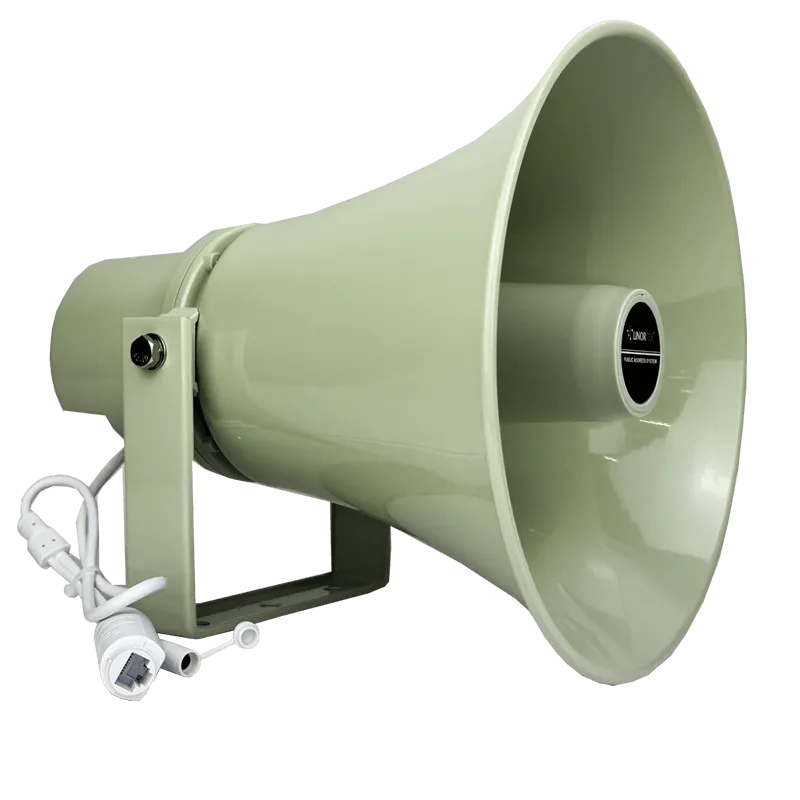
Page the whole terminal with the Netbell IP paging system, talk to drivers through IN-608 gate intercoms, or send pre-recorded alerts from a push button or the QuickAction app. Netbell H30-709 horn speakers are IP65-rated with up to 122 dB for loud outdoor areas. Push-button and QuickAction alerts can show on your screens too.
Show shift schedules, safety reminders, PPE rules and site notices on crew room and gate screens, on a schedule or sent by a supervisor. Add scheduled tones on Netbell for shift changes if you want them heard as well as seen.
How VidiMax works
You don’t need to rewire the terminal to start. VidiMax takes information from the sources you already have, organizes it and sends it to the screens where it’s useful.

Connect
VidiMax works with crane runtime and lift counts from eIO-RTU controllers, equipment hours from iTrixx meters, National Weather Service alerts, your lightning alert provider, web dashboards, and terminal systems that can send data by API or webhook. Start with the data you need now and add sources later.

Manage
Build display templates, set rules and alert priorities, and choose which screens get each kind of information. When something needs to be heard as well as seen, VidiMax triggers Netbell horns, paging or bells – VidiMax itself makes no sound.

Inform
Each screen has its own address. Crane hours can go to the maintenance office, gate information to the gate, and a weather warning to every screen at once. A screen at the gate can also show check-in steps, PPE rules and directions for truck drivers and visitors.
See it in your facility
Every port runs differently – different cranes, different yards, different systems. Tell us how your terminal works and what you need to see, and we’ll design a custom solution around it.

Our products
VidiMax is the visual layer. It takes information from Linortek devices and your terminal systems and puts it on the screens where your crews need it.
One server drives up to 250 displays across your terminal, on your own local network.
Connects the HDMI screens you already own to VidiMax. One DTU is used for each display.
The iTrixx-LHM tracks large mobile fleets by long-range radio – up to 100 machines per server. The WiFi hour meter suits a small fleet that stays inside site WiFi.
A DIN-rail controller for PLC-controlled cranes. It records runtime, lift counts and sensor readings and shares them over MQTT, a RESTful API or Modbus TCP/IP.
A Netbell IP paging system with IP65 H30-709 horn speakers covers the yard. Already have a PA? A Netbell-NTG adds tones and pre-recorded messages to it, and a Netbell-BT-105 brings a 70V system into Netbell paging so the old speakers keep working.
Want to display your own data? We design and build our systems in North Carolina and can tailor a display solution to your exact requirements.
Network & installation
VidiMax runs on-site and sends information over your terminal network. Depending on your IT requirements, it can be installed in several ways.
Connect the VidiMax server and DTUs to your existing LAN. This is the simplest option when PoE network connections are already available.
Connect the VidiMax server to your LAN for browser-based management and use its second network port for a dedicated display network – the most common setup for larger sites.
If you don’t want VidiMax on your terminal network, it can run on its own network and serve the DTUs and other Linortek devices itself.
Typical projects
Two typical setups show how the pieces fit together at a terminal.
The terminal wanted runtime and lift counts for its cranes and mobile equipment in one place. In the design, PLC-controlled cranes already on the terminal network get an eIO-RTU with hour meter software that reads the PLC signals – runtime from each crane, plus container lifts where the PLC supplies a lift signal. Container handlers and terminal trucks get iTrixx-LHM clients reporting to one long-range server, and VidiMax shows the readings in the control room, the maintenance office and at the gate.
This terminal runs RTGs across a large yard with no wired link to the cranes. Each RTG’s PLC already gives a run signal, which is the natural trigger for the counter. The design uses a long-range iTrixx-LHM system with one server in the maintenance office for the whole RTG fleet, with the hours going to the terminal’s maintenance software later.
Linortek capabilities
Since 2012 we have designed and built IoT controllers in North Carolina, trusted by Fortune 500s and small businesses in 35+ countries.
50+
Years combined experience
20,000+
Happy customers

Get instant pricing
Answer a few questions for an instant recommendation with pricing, or talk to our US-based team.
Cranes, RTGs, reach stackers, container handlers, terminal trucks, forklifts and fixed equipment such as compressors. PLC-controlled cranes on the network use an eIO-RTU. Mobile machines use an iTrixx-LHM client on a 9-24VDC supply, counting from a dry contact – a relay or switch that closes while the machine runs.
No. iTrixx-LHM clients use their own long-range radio to reach a server on your network, with no SIM cards and no WiFi. In urban areas the range is 1 to 3 miles (2 to 5 km), because concrete buildings, steel structures and signal interference shorten it. In open areas with a clear line of sight it can reach 10 to 15 miles (16 to 25 km) or more. If your WiFi already covers a small fleet, the iTrixx WiFi hour meter is the simpler choice – it stores hours on board and uploads them when a machine is back in coverage.
Yes, where the crane’s PLC provides a lift signal. The eIO-RTU counts that signal on a digital input and totals runtime from the run signal at the same time. A CPU with one 10-input module has 12 digital inputs, so there’s room to add signals later.
Usually, yes. If a system has a web dashboard, a screen can show that page when the system allows it to be embedded. If it can send data by API or webhook, we work with your team to put gate, vessel or yard status on the screens.
Yes, through your IT team. The eIO-RTU publishes over MQTT and also has a RESTful API and Modbus TCP/IP. The iTrixx-LHM server offers a JSON API and database export for popular maintenance systems, Excel web queries, automatic export to PostgreSQL or MySQL, and manual CSV export. Our technical team works with yours to scope the connection.
No. Your own lightning alert provider or sensor detects strikes and sends them to VidiMax by API or webhook. VidiMax then shows the warning on your screens, triggers Netbell horns and runs an all-clear countdown. You set the countdown length, and it restarts with every new strike your provider reports. Whether the storm distance can be shown depends on your provider.
Yes. VidiMax runs on your own network, but the VidiMax server needs internet access to receive National Weather Service alerts. Your dashboards, equipment data and push-button alerts don’t need it – VidiMax can even run as a standalone system without weather alerts.
Yes. A Netbell-NTG adds scheduled tones and pre-recorded messages to an existing PA – its line out goes into the PA’s input. To bring a 70V system into Netbell IP paging, the Netbell-BT-105’s line out connects to an audio input on your 70V amplifier, so your existing speakers keep working. Add H30-709 horn speakers where the yard needs more coverage.
No. iTrixx meters record runtime, not location – there’s no GPS. If you need to track where machines are, a GPS telematics system is the better fit.
One iTrixx-LHM server handles up to 100 machines. One VidiMax-S server drives up to 250 screens and takes data from up to 200 IoT devices.
